-70%

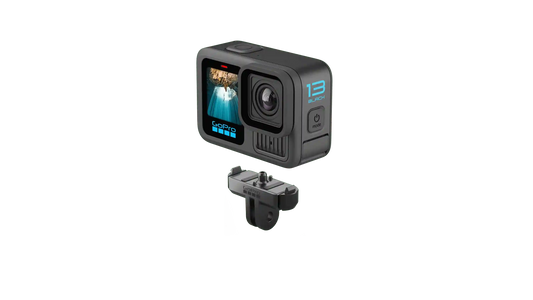
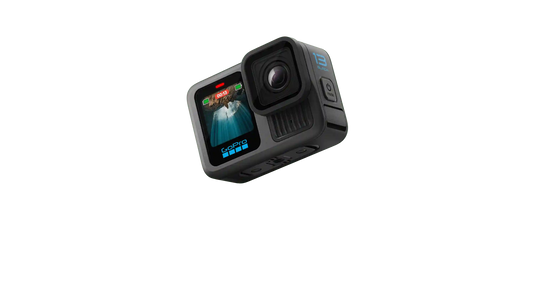
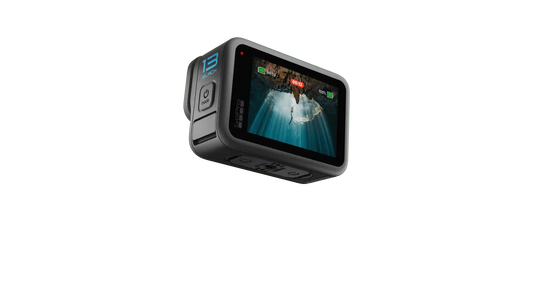
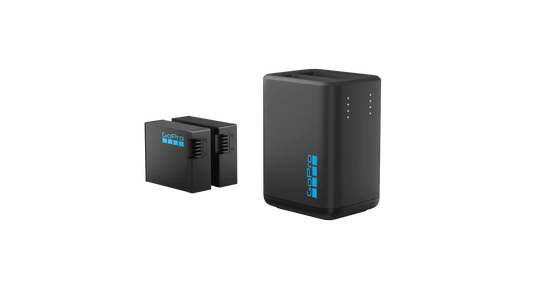
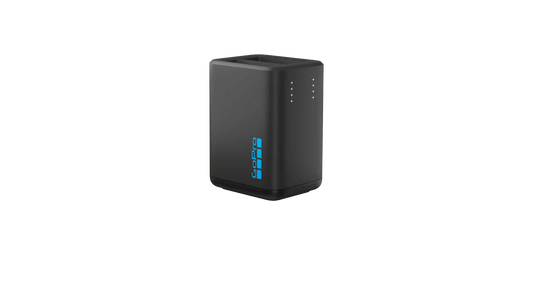
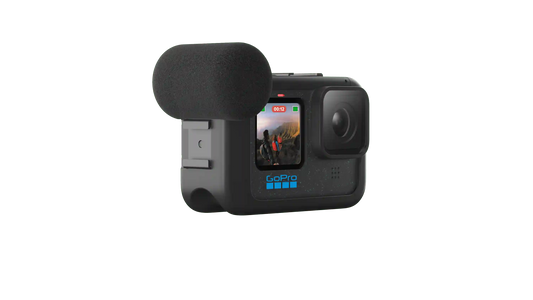
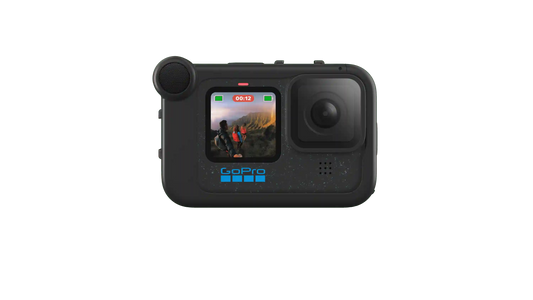
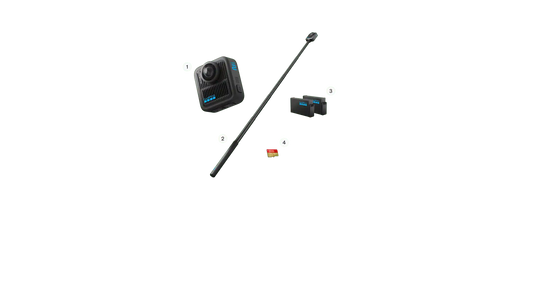
MAX2 + Accessories Bundle

Regular price $150.00
Sale price $499.99

Free Shipping : We are pleased to offer Free Worldwide Shipping on all orders

Free Returns : Items that remain unused and unopened may be returned within 60 days for a full refund.

MAX2 + Accessories Bundle
Regular price $150.00
Sale price $499.99

Video Modes

360: Video, POV, Selfie, LoopingSingle-Lens: Video

Dimensions (W x H x D) (mm)

(W) 64.0mm x (H) 69.7mm x (D) 48.7mm

Weight

195g

Replaceable Lenses

Yes (Change in Field)

Battery

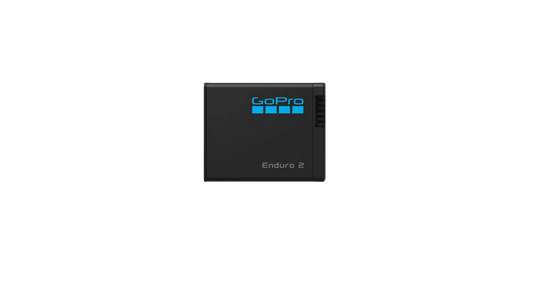
1960mAh Enduro Battery

Display Size

1.82" Touch LCD

Rugged + Waterproof

5m (16-ft.)

Mounting

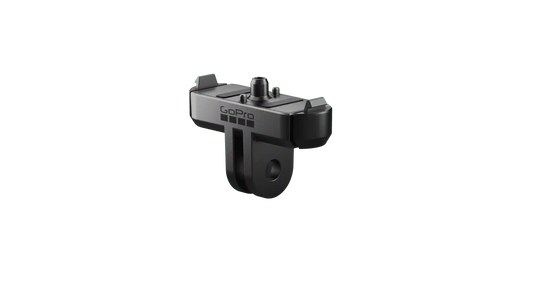
Built-In Mounting with Folding Fingers¼-20 MountMagnetic Latch Mount (compatible)

Memory Storage microSD

1x microSD™ rated class A2 V30 or higher

Connector

USB-C (3.0)

Operating Temperature

-10° C - 35° C

Image Sensor

1/2.3"

Lens Aperture

F1.8

Image Processor

GP2

35mm Equivalent Focal Length

Min = 14mmMax = 26mm

Video Modes

360: Video, POV, Selfie, LoopingSingle-Lens: Video

Video Resolutions & Frame Rates

360:8K: (7680x3840) @ 30/25/24 fps5.6K: (5376x2688) @ 60/50/30/25 fps4K: (3328x1664) @ 100/90/60/50 fpsSingle-Lens:4K: (16:9) (3840x2160) @ 60/50/30/25/24 fps4K: (9:16) (2160x3840) @ 60/50/30/25/24 fps4K: (4:3) (4000x3000) @ 60/50/30/25/24 fps1080p: (16:9) (1920x1080) @ 60/50 fps1080p: (9:16) (1080x1920) @ 60/50 fps

POV & Selfie Modes

360:8K: @ 30/25/24 fps5.6K: @ 60/50/30/25 fps4K: @ 100/90/60/50 fps

Slo-Mo

3x - 4K100

Video Stabilization

Max HyperSmooth with 360° Horizon Lock

Aspect Ratio

16:9, 9:16, 4:3

Digital Lenses

Max HyperView (16:9 only)Max SuperView (16:9 only)Ultra WideWideLinear

Color Video Bit Depth

8-Bit10-Bit

Log Encoding

GP-Log with LUT

Maximum Video Bit Rate

120Mbps

Video Compression Standard

H.265 (HEVC)

Video Format

360: .360Single-Lens: .MP4

Lens Priority Exposure and Control

Yes

Photo Modes

360: Photo, Burst Photo, Night PhotoSingle-Lens: Photo

Photo Resolution

360: 29MP (7680x3840)Single-Lens: 12MP (4000x3000)

Photo Frame-Grabs from Video

Up to 12MP from 4K (4:3) Video

Photo Output

Standard, RAW (Single Lens)

Photo Formats

.36P.JPG.GPR

Photo Aspect Ratio

4:3

Digital Lenses (single photo)

Ultra WideWideLinear

Burst Photo Rates (Frames / Second)

360: 29MP Photos @ 5/1, 10/1, 10/3; 30/3, 30/6

Night Photo Shutter Speed

Auto, 2, 5, 10, 15, 20, 30 sec.

Lens Priority Exposure and Control

Yes

Time Lapse Modes

360: TimeWarp, Time Lapse, Night Lapse, Star Trails, Light Painting, Vehicle LightsSingle-Lens: TimeWarp

TimeWarp Video

360: 8K30; 5.6K30Single-Lens: 4K30, 1080p30

Time Lapse Video

360: 8K30; 5.6K30

Night Lapse Video

360: 8K30; 5.6K30

Star Trails, Light Painting, Vehicle Lights

360: 8K30; 5.6K30

Shutter Speeds

Video: 1/7680 - to the limit of frames per secondPhoto: Auto, 1/125 - 1/2000

EV Comp

2+/-

White Balance

2300K - 6500K

ISO Range

Video: 100-6400Photo: 100-3200Night: 100-800

Color Profiles

Natural, Vibrant, Flat

Audio Modes

360 AudioStereo

Wind Noise Reduction

Yes

Directional Audio

Yes - based on digital lens selection

Microphones

6-microphones

RAW Audio Capture

WAV Format (Single Lens mode)

Wireless Audio

Yes

Wi-Fi Frequency

Wi-Fi 6; 2.4GHZ; 5GHz

Wi-Fi Protocol

802.11 a/b/g/n/ac

Bluetooth

BLE 5.3

GPS

Yes

USB Port

USB-C (3.0)

Auto Upload to Cloud

w/GoPro Subscription

QuikCapture

Yes

Voice Control

13 Commands11 Languages with 6 accents

Scheduled Capture w/Duration

Yes

Timecode Synchronization

Yes

For the best 360 and immersive video experience, MAX2 pairs well with a few key accessories. When capturing invisible selfies, use extension poles that are at least 24" long, so the camera can stitch the pole out of the shot. An extension pole like this is long plenty enough, plus it gives you smoother, more dynamic footage. A tripod is great for static shots, time-lapses, and vlogs.

Yes. MAX2 is compatible with 35+ mounts and accessories, including older mounts and accessories with standard GoPro mounting fingers, and newer ones with 1/4-20 mounting threads.

Editing 360 footage from MAX2 is designed to be simple, even if you’re new to immersive video. You can use the GoPro Quik app to reframe clips, choose your favorite angles, stabilize footage, and export traditional videos—all from the same 360 file.

People Also Bought

Here’s some of our most similar products people are buying. Click to discover trending style.